NFT stands for non-fungible token. which means as a unique asset in digital form that cannot be exchanged for any other NFT, which makes all of them as a ‘one-of-a-kind’ item. NFTs are transferred from one owner to another using blockchain technology, which creates a digital trail that can be seen by everyone, from seller to buyer that verifies the transaction. This allows the products originality and the history can be trackable very easily. You can see who was the first account created that token which ensures the ethnicity and the creator of the product.
Nowadays, mostly digital assets as images, avatars, animated videos are all around the web, awaiting their buyers. But you can actually use NFT to share any kind of authenticity. In this blog we would like to show you how to create your own NFT in 5 easy steps.
Step 1 – Creation of the Item: First of all, we should create something that is unique. This can be an image, audio, video, photo, scanned physical output, which all can be AI generated or human made… For the sake of this post, we created a “Shit Happens!” text with a free font and a poop color (hex:7a5901) background with a poop looking logo, We will use simply e Gimp or Photopea to generate this imagery. Of course, you can also create really cool stuff or use your own photos or other tools to create something that is worth buying/selling, but again for the sake of this demo, we are not going to spend so much time on it, so here you go:
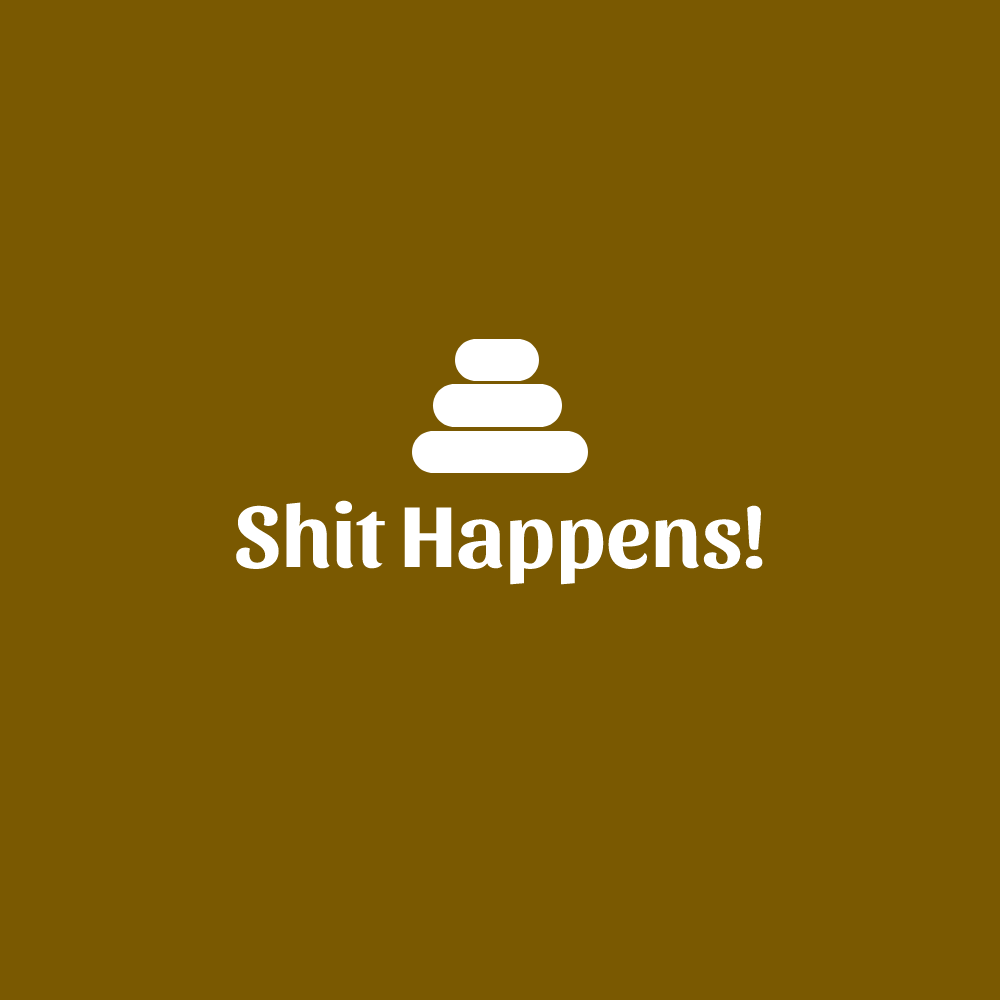
Now we have our own PSD file with the vectors of the logo, and we also save the file as png, which makes us ready to transfer our imagery as an NFT.
Step 2 – Prepare for the upload: Once you generate the token, you may need to share your original or editable version of your file to the buyer. If that’s the case, It’s better to register to Pinata, in this site you can store our PSD files, png files, and any other files linked to this project. You can register for free and start using it immediately. Once you upload a file, you will see their CID link which you can share with the NFT buyer later on, or even input as reveal after buy as a link. This will allow your buyer to download the original/editable versions of your NFT.
Step 3 – Understand which site to display your product: To generate your NFT you can use sites like Rarible, Nifty Gateway, Night Cafe, or OpenSea, and many many others… You should search out and select the right site that your creation will be a better fit for your NFT.
Step 4 – Start Creation of the NFT: For this project we will use Rarible. Once you try to register, you will see that you also need another tool to sign/transfer/receive payments in which we used Metamask which is really easy to start using with it’s Google Chrome plug-in.
Once you complete registration and sign-in to Rarible, you can now click create to generate your NFT. You can find out over the really helpful steps. Just some small notes on the followings:
- Put On Marketplace: You can close this option if you do not intend to sell it, but transfer it to someone only.
- Unlock once purchased part, If you used Pinata, you can type the CID you receive in Pinata to that section in Rarible. If you are going to send the physical product after purchase and you require an address and details, you can use this method as well to share a Google Form link for the buyer to input their address and details.
- Free Minting: If you do not want to pay the gas fee, you can select this option so it will be discharged once the product is sold. Of course for the sake of this demo, we also use free minting…
- Royalties: This is the percentage that you will receive if the NFT is sold again by the buyer.
Viola!
Our NFT is already on sale! Feel free to bid 😉
 GeekTech